Windows 8 Tablets for Seniors: Learn All About Tablets with the Windows 8 Operating System by Studio Visual Steps

Windows 8 Tablets for Seniors: Learn All About Tablets with the Windows 8 Operating System

Studio Visual Steps
Visual Steps Publishing
Jan 2014
WSBN
0
Readers
0
Reviews
0
Discussions
0
Quotes
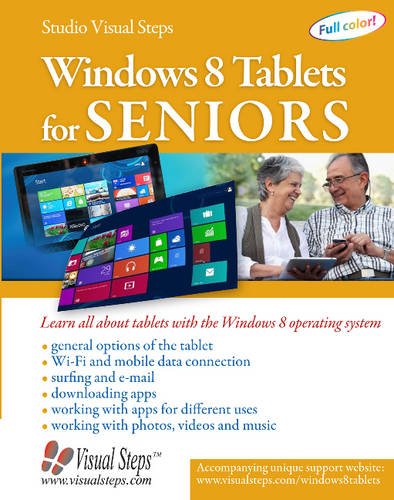
The latest tablets to arrive are those running the Windows 8 operating system and seniors can learn to quickly set up and get started with the help of this instructive guide. Topics such as the basic operation of the tablet, surfing the internet, using e-mail, and working with photos, videos, and music are all thoroughly covered step by step. It shows how to download and use apps for keeping an agenda, planning a route, or connecting to Facebook or Twitter, and explains how to synchronize the tablet with a PC or laptop and how to view and edit important settings or files as needed. With large-print type and an extensive index, this is the best resource for seniors wanting to learn all about working with tablets with Windows 8.
Join the conversation

No discussions yet. Join BookLovers to start a discussion about this book!

No reviews yet. Join BookLovers to write the first review!

No quotes shared yet. Join BookLovers to share your favorite quotes!

Earn Points
Your voice matters. Every comment, review, and quote earns you reward points redeemable for Bitcoin.
Comment +5 pts Review +20 pts Quote +7 pts Upvote +1 pt
BookMatch Quiz
Find books similar to this one
About this book
Publisher Visual Steps Publish...
Published 2014
Readers 0