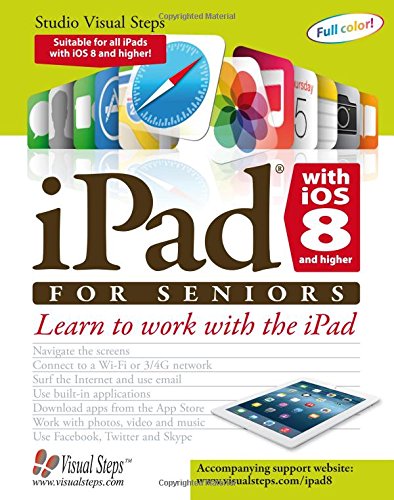
iPad with iOS 8 and higher for Seniors: Learn to Work with the iPad by Studio Visual Steps

iPad with iOS 8 and higher for Seniors: Learn to Work with the iPad

Studio Visual Steps
Visual Steps Publishing; Pap/Psc edition
Sep 2014
WSBN
0
Readers
0
Reviews
0
Discussions
0
Quotes
This comprehensive and invaluable book shows you how to get the most out of an iPad with iOS 8 or higher. The iPad is a user-friendly, portable multimedia device with endless capabilities. This book teaches you how to surf the Internet, write emails, jot down notes and maintain a calendar. The iPad’s built-in apps (applications) are also discussed. These apps allow you to listen to music, take pictures and make video calls. The book also shows you how to use the App Store, where you can download other interesting applications free of charge or for a small fee. There are hundreds of thousands of apps to add extra functionality to your iPad. Each chapter of this book is broken down into small, concise, step-by-step instructions that can be followed at your own pace.

No discussions yet. Join BookLovers to start a discussion about this book!

No reviews yet. Join BookLovers to write the first review!

No quotes shared yet. Join BookLovers to share your favorite quotes!