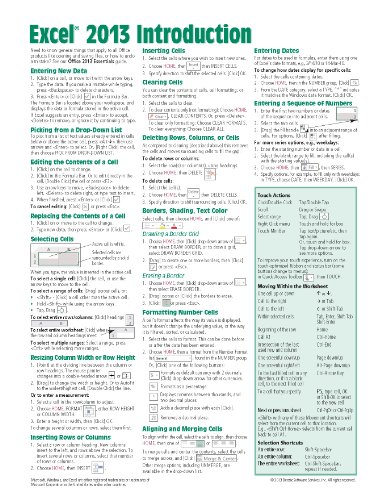
Laminated quick reference showing step-by-step instructions and shortcuts for how to use Microsoft Office Excel 2013. This guide is suitable as a training handout, or simply an easy to use reference guide, for any type of user.The following topics are covered:Entering and Editing DataPicking from a Drop-Down ListSelecting CellsResizing Column Width and Row HeightInserting and Deleting Rows, Columns and CellsClearing Cells, Clearing FormattingBorders, Shading, Text ColorFormatting Number CellsAligning and Merging Cell ContentsEntering DatesEntering a Sequence of NumbersEntering Formulas & FunctionsEntering SUM and Other Functions QuicklyAbsolute vs. Relative Cell ReferencesCopying and Moving Data: Copying to Adjacent Cells; Cut, Copy, Paste; Drag & DropSheet Features: Renaming, Moving, Copying, Selecting, Inserting, Deleting Sheets; Editing Multiple Worksheets SimultaneouslyPreviewing, Printing and Page SetupScaling to PrintPrinting a Specific AreaUsing Page Break Preview to Adjust Page BreaksRepeating Rows/Columns on Every PageAlso includes a list of Touch Actions, Selection and Movement Shortcuts.