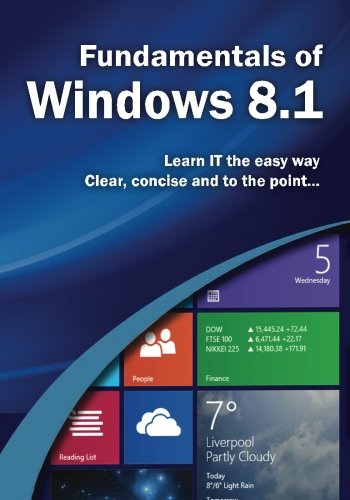
Learn Windows 8.1 the easy way. Clear concise and to the point... Teach yourself how to navigate and use the most radical redesign of Windows in Microsoft’s history. With plenty of screen prints, photographs and illustrations, this guide explores Setting up your computer Navigating around the windows 8.1 using the start screen Windows 8.1’s features, menus, charms and utilities Transferring your files from your old machine Using the desktop and running applications Backing up your important data with filehistory Antivirus and internet safety Downloading & watching videos Downloading & listening to music Staying in touch friends, family and colleagues using Mail, Calendar & People App Getting started with SkyDrive/OneDrive and SkyDrive Pro Storing, organising and manipulating your photos, putting them into albums or slideshows to show to friends or post on social media Maintaining Windows 8.