
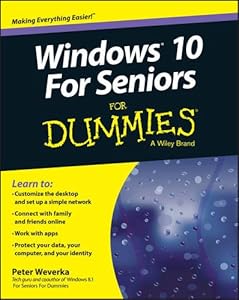

Windows for seniors by Peter Weverka

Windows for seniors

Peter Weverka
365 pages
John Wiley & Sons, Inc.
Jan 1971
Default WSBN
0
Readers
0
Reviews
0
Discussions
0
Quotes
In easy-to-follow steps, this fun and friendly guide shows you clearly how to use Windows 8.1. Featuring a large font that makes the book easier to read and magnified screen shots to help make the subject matter less intimidating, author Mark Justice Hinton walks you through the basics of Windows 8.1, so you can make the switch without a hitch. Explains Windows 8.1 with easy-to-follow steps and tips for senior readers. Covers how to use the Internet, send and receive e-mail, upload and download photos, view video, listen to music, play games, use a webcam, and more. Uses a senior-friendly larger font for text and includes more than 150 enlarged screen shots. Discusses topics important to senior readers, including keeping data and personal information safe and secure. Get started using the exciting features of Windows 8.1 today, with Windows 8.1 for seniors for dummies.
Join the conversation

No discussions yet. Join BookLovers to start a discussion about this book!

No reviews yet. Join BookLovers to write the first review!

No quotes shared yet. Join BookLovers to share your favorite quotes!

Earn Points
Your voice matters. Every comment, review, and quote earns you reward points redeemable for Bitcoin.
Comment +5 pts Review +20 pts Quote +7 pts Upvote +1 pt
BookMatch Quiz
Find books similar to this one
About this book
Pages 365
Publisher John Wiley & Sons, I...
Published 1971
Readers 0