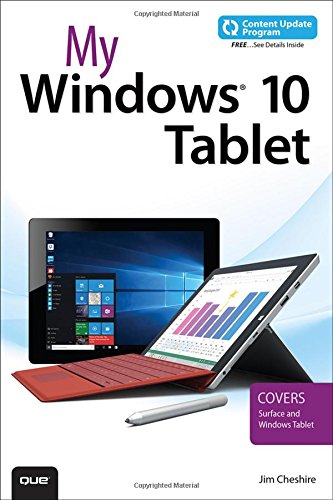
If you own or are considering a Windows 10 tablet, My Windows 10 Tablet s your must-have companion. This friendly, quick, full-color, 100 practical tutorial walks you through every task youll want to perform with your new tablet, no matter what brand or model you choose. In addition, this book is part of Ques Content Update Program. As Microsoft updates features of Windows 10, sections of this book will be updated or new sections will be added to match the updates to the software. The updates will be delivered to you via a FREE Web Edition of this book, which can be accessed with any Internet connection. My Windows 10 Tablet is an easy, full-color tutorial on the latest operating system from Microsoft, which covers the following topics Taking advantage of Windows 10s best new features for tablets Getting productive fast, and taking control of the new Windows 10 interface and Start menu Securely connecting your Windows 10 tablet and using it safely in mobile environments Browsing the Web more quickly and reliably with the new Edge browser Connecting your tablet to your phone, other PCs, and other devices Making the most of the Cortana personal digital assistant Working with Windows 10compatible Microsoft Office apps Using Continuum to work seamlessly on both tablets and other Windows devices Updating, maintaining, and troubleshooting your tablet Saving time and using your tablet to enhance your daily life Every task is presented step-by-step, using carefully annotated, colorful screenshots, all numbered so theres no chance of getting lost or confused.