My Windows 8 Consumer Preview: A Sneak Peek at the Windows 8 Public Beta (My...) by Katherine Murray

My Windows 8 Consumer Preview: A Sneak Peek at the Windows 8 Public Beta (My...)

Katherine Murray
Que Publishing
Apr 2012
Hardcover
Computers & Internet WSBN
0
Readers
0
Reviews
0
Discussions
0
Quotes
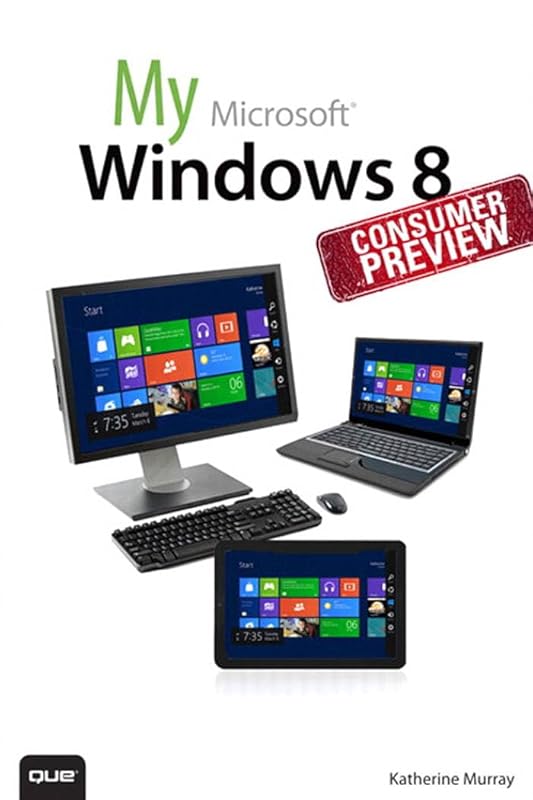
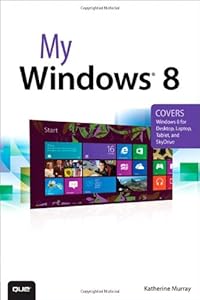
This book gives you a first look at the exciting new features in Windows 8 Consumer Preview, the beta version of the operating system Microsoft released to the public on February 29, 2012. Chances are good that you've already heard about the flashy new Metro style of the Windows 8 interface. The new look may be the biggest news item you've been hearing about, but the changes in Windows 8 go far beyond the surface design changes. Windows 8 is a new program from the ground up, meaning that the experience it offers you will be much different from any version of Windows you've used before. Windows 8 is fast and fluid, bringing you the updates you need quickly, while providing reliable access to the programs and files you depend on as you go about your daily tasks. Whether you are sharing photos, checking your social media accounts, designing a presentation, or listening to your favorite podcast, Windows 8 gives you the means to move through your tasks smoothly in any order or combination you choose. Some folks welcome this kind of new energy in technology; others aren't so sure a complete makeover is a good idea. Whichever camp you find yourself in, this book will help you learn more about what you can expect from Windows 8. Some of the biggest changes we'll discuss in this book include:Navigating the new Start screen, customizing Start screen colors, and displaying your favorite apps as you want them to appearUsing live tiles to get the latest information for your favorite appsUsing touch and mouse-based techniques to personalize your Windows 8 experience and work with files, folders, and moreEnhancing the security of your system by changing your Lock Screen, adding a picture password, and creating a PIN logonLearning to work fluidly with open apps, cycling through open apps, docking apps, and closing or suspending apps you no longer needUsing the Refresh and Reset tools to give your computer a fresh start if you're having computer problemsShopping for apps in the Windows Store, installing apps on your computer, and adding ratings and reviews to let other shoppers know what you thinkBrowsing with the sleek and streamlined Internet Explorer 10
Join the conversation

No discussions yet. Join BookLovers to start a discussion about this book!

No reviews yet. Join BookLovers to write the first review!

No quotes shared yet. Join BookLovers to share your favorite quotes!

Earn Points
Your voice matters. Every comment, review, and quote earns you reward points redeemable for Bitcoin.
Comment +5 pts Review +20 pts Quote +7 pts Upvote +1 pt
BookMatch Quiz
Find books similar to this one
About this book
Publisher Que Publishing
Published 2012
Readers 0